In short
The best home alarm system is the one that fits your situation. If you want someone to always come out, choose a security company’s monitoring service. If it’s enough that the alarm reaches your phone and your family’s phones straight away, a self-monitored system installed by a technician will do. Before you buy, compare 7 things: connection without internet, battery, who responds, monthly fee and contract, installation, pets and room to expand.
- 5 types of solution, each with its own strength
- At a summer house, a SIM card and battery matter more than a camera
- A camera on its own isn’t an alarm system
If you search for “best home alarm system”, you mostly find adverts where every provider thinks it’s the best. We sell one type of solution too: GSMvalve is a self-monitored alarm system installed by a technician, and it isn’t the best choice for everyone. Below are the five types of solution people usually choose between, with their pros and cons. The question is a timely one: in 2025, Estonia recorded 12 563 thefts, the highest figure in ten years (Ministry of Justice and Digital Affairs, crime statistics).
What kinds of home alarm systems are there?
- Security company monitoring. The alarm goes to a control centre, where an operator decides whether to send a patrol. It suits you if you want someone to always come out, even when you don’t answer your phone. The plus is a guaranteed responder around the clock. The minus is a monthly service fee and a contract, which is usually more expensive and longer than with other solutions.
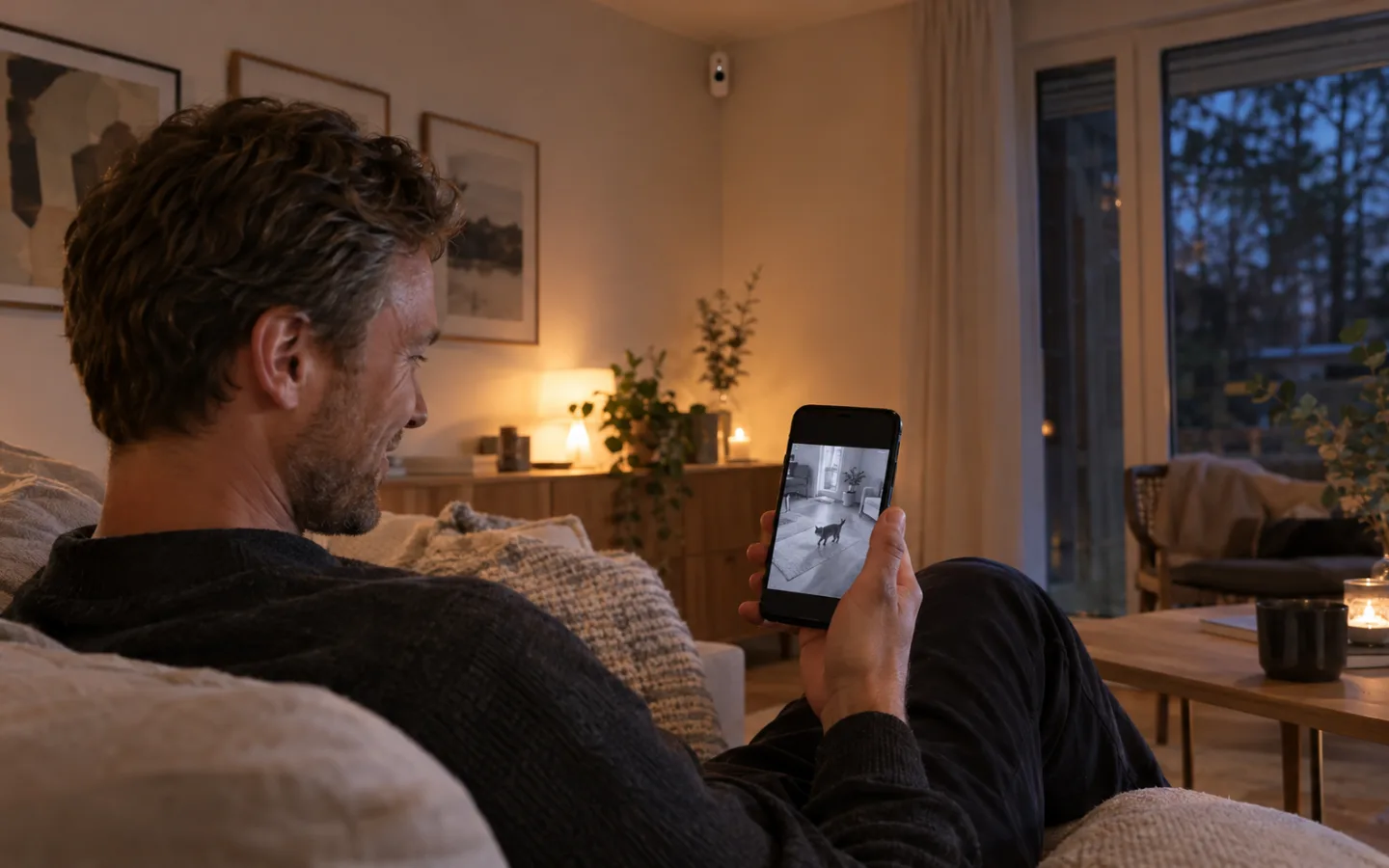
- Self-monitored system installed by a technician. A technician installs the hub and sensors, and the alarm goes straight to your phone and your family’s phones. GSMvalve is one example of this kind of system. It suits flats, houses and summer houses where someone nearby can respond to an alarm. The plus is a lower monthly fee and correctly installed sensors. The minus is that you or your family respond yourselves, and a patrol has to be added separately.
- Self-install kit from a shop. You buy a box, fit the sensors yourself and set everything up yourself. It suits a small flat if you like tinkering and your needs are simple. The plus is a low starting price and that you can begin straight away. The minus: some kits only work over home Wi-Fi, the height and angle of each sensor are up to you, and help is mostly online only.
- Cameras only. Wi-Fi cameras record video and send a motion alert to your phone. They suit you if you want to see who comes into the yard or who delivered a parcel. The plus is pictures and video. The minus is that a camera alone doesn’t set off a siren or detect smoke or a water leak, and you get lots of motion alerts: trees, cars, cats. Also think about whether the camera can see the neighbour’s garden or the street.
- Smart home devices. Smart doorbells, sensors and plugs that you control from one app. They suit you if the main goal is convenience and security comes second. The plus is flexibility. The minus is that they are built for convenience, not security: a siren, backup power and a mobile connection are often missing.
What should you compare when choosing an alarm system?
These 7 questions are worth asking every provider, whatever type of solution you’re considering.
- Connection without internet. If the power goes or the router crashes, the alarm still has to get through. Ask whether the hub has a SIM card and whether the mobile connection is included in the price. At a summer house with no internet, this is the first question.
- Battery. The hub must work without mains power, or an intruder only needs to switch off the fuse. Ask whether the battery is built in and whether you get an alert when the hub loses power.
- Who responds. Picture this: the alarm goes off at 2 pm while you’re in a meeting. Does your family or a neighbour get the alert too, does anyone come out, and what does that cost?
- Monthly fee and contract length. Ask what the monthly fee includes (app, connection, customer support), how long the minimum period is and how many months’ notice you have to give. Also ask who pays if a device breaks.
- Installation. Who installs it, what does it cost and are cables or drilling needed? A wireless system also suits a rented flat, because no cables are run.
- Pets. If you have a pet, ask up to what weight the motion sensor ignores animals and who decides how high the sensor goes. Most false alarms come from the wrong height and angle, not from the sensor itself.
- Room to expand. Can you add a smoke detector, water leak sensor or outdoor sensor later? Ask how many devices the hub handles and whether each extra device raises the monthly fee.
Tip. Ask the provider straight out: “What happens if someone pulls the hub out of the socket?” A good answer is that the battery keeps the system running and every user gets an alert about it. If the answer is vague, you know where the weak spot is.
What’s the difference between a security company, a self-monitored system and cameras?
| Solution | Who responds | Works without internet | Installation | Monthly cost |
|---|---|---|---|---|
| Security company monitoring | Control centre and patrol | Usually yes | Company technician | Service fee, usually the highest |
| Self-monitored, with technician | You, family, neighbour; patrol as an extra | Yes, if the hub has a SIM and battery | Technician | Small monthly fee |
| Kit from a shop | You | Depends on the model | Yourself | Depends on the model |
| Cameras only | You | Rarely | Yourself or an electrician | Cloud storage often costs extra |
| Smart home devices | You | Rarely | Yourself | Depends on the services |
As an example of the self-monitored type, here are GSMvalve’s numbers: the hub has a battery and a SIM card, it handles up to 96 devices and the motion sensor is pet-friendly up to 30 kg. The Start package for a flat costs 385 € to buy or 17,36 €/month to rent, installation is 150 € anywhere in Estonia, and when you buy there’s a monthly fee of 9,18 € that extra devices don’t raise. The minimum rental period is 3 months. Prices include VAT.
Which is the best home alarm system for your situation?
- Flat. A self-monitored system or a simple self-install kit: one door sensor, one motion sensor in the room you walk through and a smoke detector cover the basics. A security company contract is often more than a flat needs. On the ground floor, add a glass break sensor for the window.
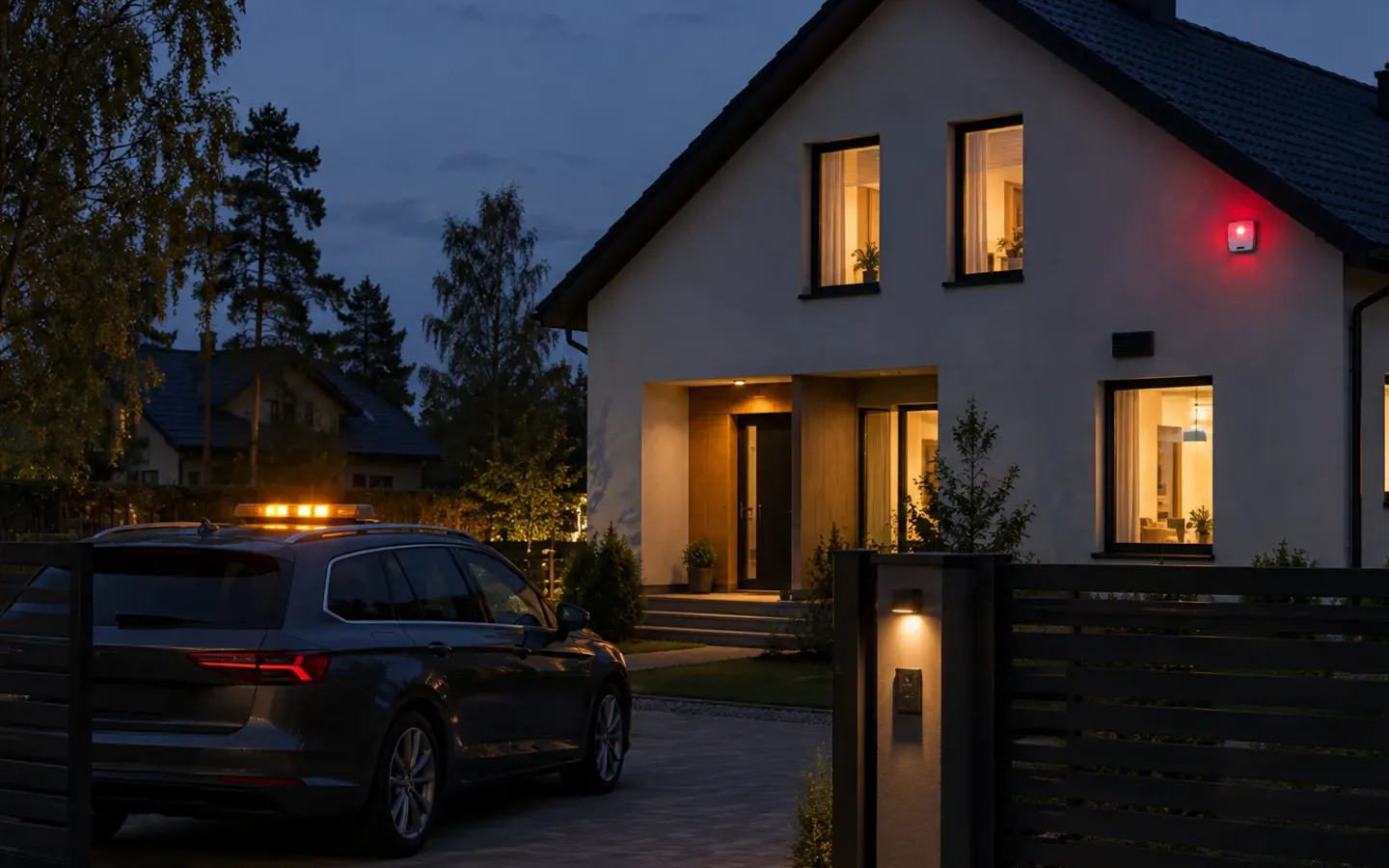
- House. A self-monitored system with an outdoor siren (110 dB and a flashing light) works if a neighbour or family is close by. If you want someone to always come out, choose a security company contract or add a patrol to a self-monitored system through a partner.
- Summer house. Here the SIM card and battery matter most, because there’s often no internet. A water leak sensor and a temperature sensor protect the place in winter and at the end of the heating season, when nobody is there. If the summer house is far away and there are no neighbours, consider a patrol.
- Elderly parent. More important than an alarm system is a panic button on the wrist or around the neck that sends a silent alarm to the family’s phones. The GSMvalve Panic Button package (hub and panic button) costs 189 € or 12,40 €/month, with setup at 18,60 €. A camera doesn’t help here if someone falls and can’t reach the phone.
- Small business. What matters is that each staff member has their own code and the log shows who disarmed the system. A self-monitored system suits a small office or shop (GSMvalve Plus 547 € + VAT). A security company suits a business with more valuable property and a need for guaranteed call-outs.
Summary
There’s no single best alarm system for everyone. If someone always has to come out, choose a security company. If it’s enough that the alarm reaches your phone and your family’s, a self-monitored system installed by a technician strikes a good balance between price and reliability. Cameras and smart home devices work as an addition, not a replacement. Whatever you choose, check the SIM card and the battery.
Frequently asked questions
What is the best home alarm system?
The best home alarm system depends on who responds to the alarm. If you want someone to always come out, a security company’s monitoring service suits you. If it’s enough that the alarm reaches your phone and your family’s, a self-monitored system installed by a technician, with a SIM card and battery in the hub, will do.
Does an alarm system work without the internet?
It does if the hub has a SIM card and a battery. Then alarms get through over the mobile network even during a power or internet cut. A system that runs on Wi-Fi only goes silent during a cut.
Can cameras replace an alarm system?
Usually not. A camera records and sends a motion alert, but on its own it doesn’t set off a siren or detect smoke or a water leak. An alarm system’s motion sensor with camera sends a series of photos when the alarm goes off, which helps you check for a false alarm straight away.
Can I install an alarm system myself?
A kit from a shop you install yourself. With a technician-installed system, the technician does it in one visit, which with GSMvalve costs 150 € anywhere in Estonia. The advantage of doing it yourself is the price. The advantage of a technician is the right sensor height and angle, which keeps false alarms away.
Read also: how a wireless alarm system works · motion sensors and pets · all packages and prices
Written by the GSMvalve team
Still have questions?